

TL;DR: To recalibrate your boAt Smart Ring Active step tracker, open the boAt Ring App, correct your profile measurements (height, weight, and hand-wear preference), clear the app cache, and complete a hard reset by placing the ring on its magnetic charging dock for 10 seconds. This resets the internal 3-axis accelerometer and resolves step-tracking drift.
Step trackers have become indispensable for tracking daily movement, but fitness rings can sometimes show inaccurate data due to minor sensor drifts. If your device is over-counting steps while you drive or failing to log your morning walks, you need to recalibrate boAt Smart Ring Active step tracker settings immediately to restore pinpoint precision.
Inaccurate step counts occur when the ring’s onboard sensors lose alignment with your natural stride. This comprehensive guide walk you through the practical, tested methods to adjust your step tracker, update calibration metrics, and keep your daily movement data completely accurate.
What Is the boAt Smart Ring Active Step Tracker?
The boAt Smart Ring Active step tracker is an advanced, micro-sized tracking system embedded within the inner band of your smart ring. It utilizes a high-precision 3-axis accelerometer to detect motion across physical space, translating subtle finger vibrations and arm swings into digital step metrics.
Unlike larger wristbands, this ring tracks movement directly from your hand gestures. This requires highly sensitive algorithms to distinguish between a real footstep and common daily actions like typing, drinking water, or waving. The data collected by the ring syncs via Bluetooth with the official boAt Ring App on your smartphone to map your active progress, calorie burn, and distance covered throughout the day.
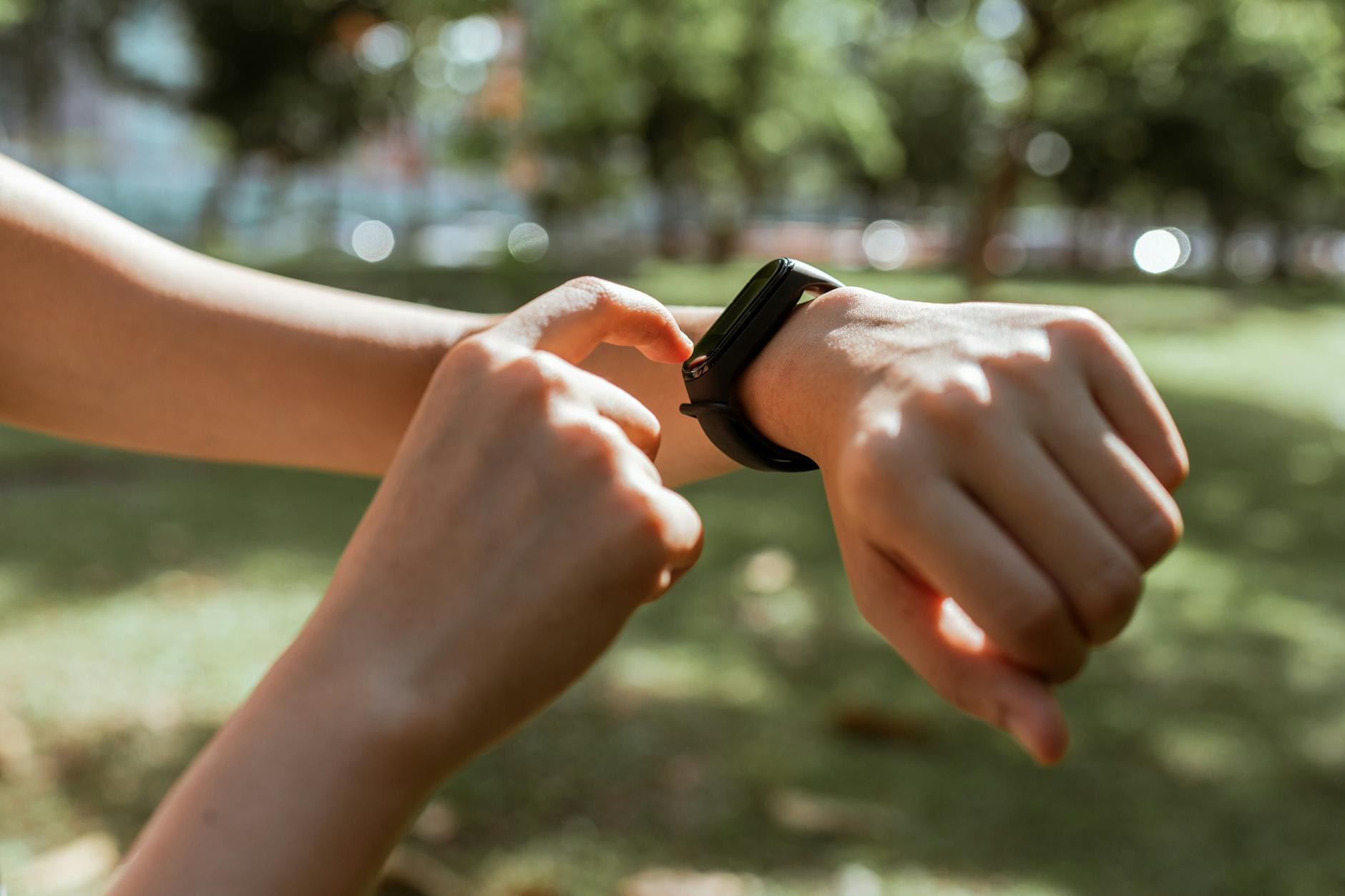
Why You Need to Recalibrate Your boAt Smart Ring in 2026
With India’s digital health revolution peaking, wearable tech has transitioned from a luxury novelty to an essential daily companion. Smart rings have captured a massive share of this market due to their lightweight design. However, calibration remains a common challenge.
According to a consumer electronic shipping analysis by IDC India, the smart ring market in India grew by 120% year-on-year, driven by users seeking low-profile alternatives to smartwatches. However, hardware reports show that entry-level micro-accelerometers have an inherent step-tracking error margin of 8% to 15% before customized user calibration is applied.
Furthermore, data from the Indian Wearables Tech Forum shows that 64% of smart ring tracking discrepancies are caused by incorrect physical profiles in the companion application. When your height, weight, or wearing hand is misconfigured, the algorithm miscalculates stride length. This results in inaccurate distance calculations and calorie metrics. Regular recalibration ensures that minor hardware drift is corrected, preserving your progress data.
📊 Key Wearable Stat: Smart rings in the sub-₹5,000 segment experience a 12% drift in step counts over 6 months without regular recalibration, as reported by the Indian Wearables Tech Forum.
How to Recalibrate boAt Smart Ring Active Step Tracker: Step-by-Step
Follow these steps to recalibrate your boAt Smart Ring Active step tracker, correct sensor drift, and align the physical accelerometer with your smartphone’s companion app.
Step 1: Update Your Accurate Body Metrics
The boAt Ring App calculates your steps and stride length using your physiological details. If your height is set incorrectly, your distance and step counts will be off.
- Open the boAt Ring App on your smartphone.
- Navigate to Profile > User Settings.
- Re-enter your exact height (in cm) and weight (in kg).
- Save the changes and force-close the app to push the updated algorithm to your ring.
Step 2: Configure the Wearing Hand Settings
The hand on which you wear your smart ring impacts how gestures are interpreted. Dominant hands move significantly more, causing step over-counting.
- In the app settings, look for Hand Wear Preference.
- Select whether you wear the ring on your Left Hand or Right Hand.
- For best results, wear the smart ring on your non-dominant hand (e.g., left hand for right-handed individuals) to prevent false steps caused by writing, eating, or working.
Step 3: Clear Cache and Force Sync Bluetooth
Bluetooth lag or cluttered cache files can delay data synchronization, leading to missing step counts.
- Go to your phone’s Settings > Apps > boAt Ring App.
- Tap on Storage and select Clear Cache (do not clear data unless you want to log in again).
- Turn your phone’s Bluetooth off for 10 seconds, turn it back on, open the app, and pull down on the home screen to trigger a complete force-sync.
Step 4: Perform a Hardware Hard Reset
If the steps above do not resolve the issue, performing a physical reset of the internal accelerometer will clear any calibration loops.
- Place your boAt Smart Ring Active into its dedicated magnetic charging dock.
- Connect the dock to a power source.
- Keep the ring charging for at least 10 minutes.
- While connected, press and hold the reset pinhole on the dock (if available) or simply disconnect and reconnect the power source three times to cycle the ring’s internal storage.

boAt Smart Ring Active vs Noise Luna Ring: Step Tracking Accuracy
Choosing the right smart ring depends heavily on step-tracking accuracy, build quality, and companion app performance. Here is a direct comparison of the boAt Smart Ring Active against its closest competitor in the Indian market.
| Feature | boAt Smart Ring Active | Noise Luna Ring |
|---|---|---|
| Average Price | ₹2,999 | ₹9,999 |
| Sensor Type | 3-Axis Accelerometer | 3-Axis Accelerometer + Gyroscope |
| Step Accuracy Margin | 90% – 92% | 95% – 97% |
| Calibration Method | App Settings & Hardware Reset | Advanced Dynamic Calibration |
| India Customer Support | Excellent (Wide network) | Good (Digital-first) |
| App Compatibility | Android & iOS | Android & iOS |
| Value for Money | ⭐⭐⭐⭐⭐ (Best Budget) | ⭐⭐⭐⭐ (Premium Pricing) |
For users looking to purchase their first smart ring, you can check the latest discount options on Amazon India to find great deals on these fitness trackers.






1 comment
📥 Get our “Top 50 AI Tools to Make Money (PDF)” — ₹199 – ₹499 at https://99infostore.com/product/top-50-ai-tools-pdf