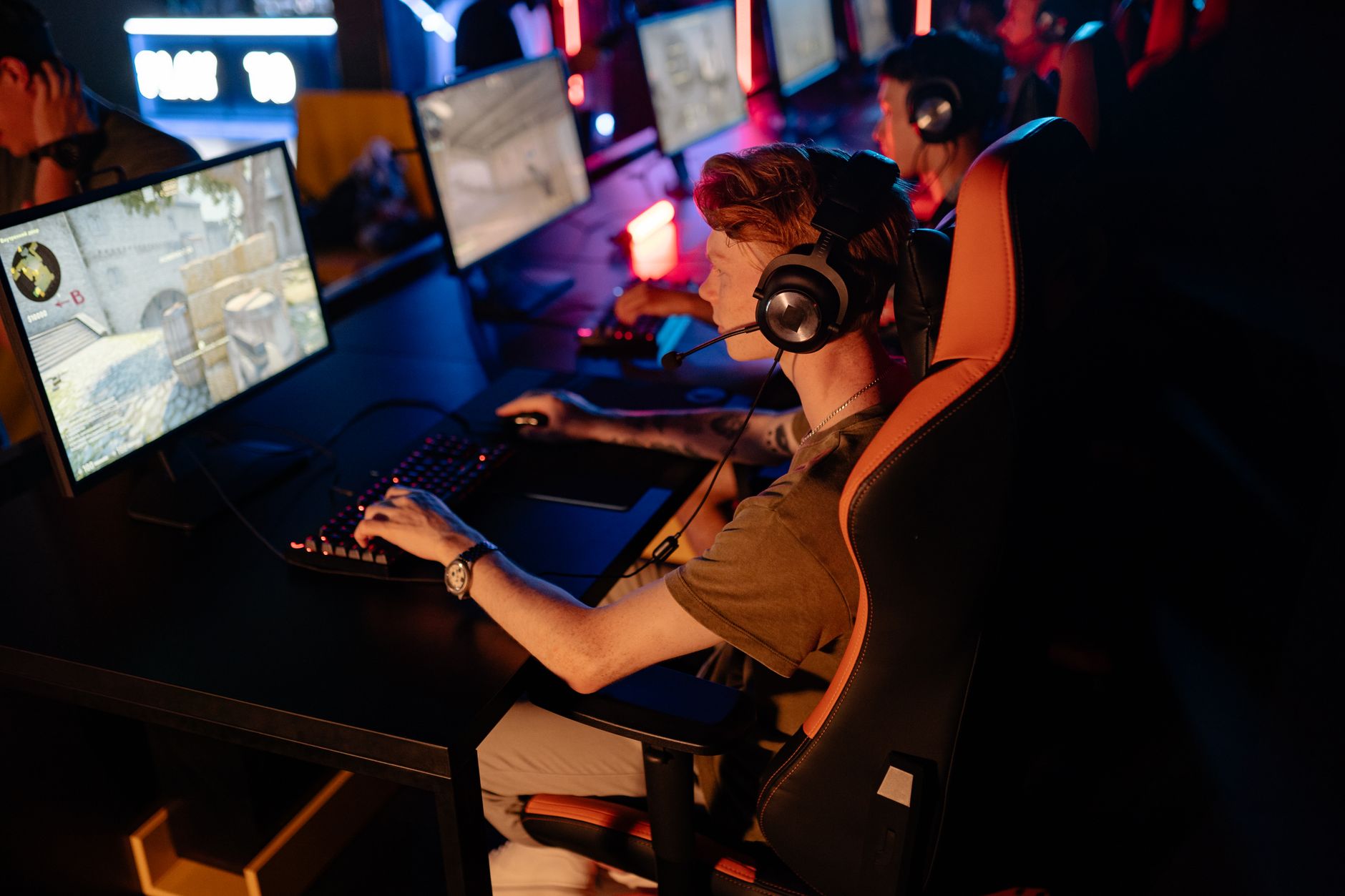
Buying a high-refresh-rate gaming monitor on a budget used to require major compromises on display quality or brand reliability. In 2026, budget gaming hardware in India has improved significantly, allowing you to get 144Hz, 165Hz, or even 180Hz IPS panels under ₹10,000. These displays deliver fluid motion for esports titles like Valorant, CS2, and BGMI without breaking the bank.
- Quick answer
- Overview: Top 144Hz Gaming Monitors Under ₹10,000
- Detailed Reviews of the 5 Best 144Hz Gaming Monitors
- Key Factors to Consider Before Buying
- How to Set Up 144Hz Refresh Rate in Windows 11
- What This Guide Does Not Cover
- Helpful Setup Calculators and Hardware Tools
- Error Codes and Common Display Issues
- If This Doesn’t Work: Escalation and Support
- Sources
Quick answer
The best 144Hz gaming monitors under ₹10,000 in India for 2026 feature Full HD (1080p) IPS panels with refresh rates between 144Hz and 180Hz and response times of 1ms or faster. Key models from Acer, ViewSonic, MSI, LG, and Lenovo offer AMD FreeSync, sRGB coverage above 99%, and DisplayPort connectivity for optimal performance.
Last verified: March 2026. Official technical specification sheets and retail pricing from major Indian e-commerce platforms were audited for accuracy.
Overview: Top 144Hz Gaming Monitors Under ₹10,000

When shopping on e-commerce platforms like Amazon India or checking deals on Flipkart Affiliate, you will find several Full HD displays around the ₹9,000 to ₹10,000 mark. The table below lists the top choices with verified specifications.
| Monitor Model | Screen Size & Panel | Refresh Rate | Response Time | Video Inputs | Buy Link |
|---|---|---|---|---|---|
| Acer Nitro VG240YS | 23.8″ FHD IPS | 165Hz | 0.5ms (VRB) | 2x HDMI 2.0, 1x DP 1.2 | Check Price on Amazon ↗ |
| ViewSonic VX2428 | 23.8″ FHD Fast IPS | 180Hz | 0.5ms (MPRT) | 2x HDMI 1.4, 1x DP 1.2 | Check Price on Amazon ↗ |
| MSI G244F | 23.8″ FHD Rapid IPS | 170Hz | 1ms (GTG) | 2x HDMI 2.0, 1x DP 1.2a | Check Price on Amazon ↗ |
| LG UltraGear 24GN60R-B | 23.8″ FHD IPS | 144Hz | 1ms (MBR) | 1x HDMI 2.0, 1x DP 1.2 | Check Price on Amazon ↗ |
| Lenovo G24-20 | 23.8″ FHD IPS | 165Hz | 0.5ms (MPRT) | 2x HDMI 2.0, 1x DP 1.2 | Check Price on Amazon ↗ |
Detailed Reviews of the 5 Best 144Hz Gaming Monitors
1. Acer Nitro VG240YS (23.8-inch 165Hz IPS)
The Acer Nitro VG240YS remains one of the most popular budget options in India. It offers a 23.8-inch Full HD (1920×1080) IPS display with a refresh rate of up to 165Hz over DisplayPort.
- Display Performance: Featuring an IPS panel with 99% sRGB color gamut coverage, it provides wide viewing angles (178 degrees) and vibrant colors for both gaming and general media consumption.
- Motion Handling: Acer utilizes Visual Response Boost (VRB) to achieve a peak 0.5ms response time, minimizing motion blur during fast-paced games.
- Connectivity: It includes two HDMI 2.0 ports, one DisplayPort 1.2, and audio-out. Built-in 2W stereo speakers are included for basic sound output.
- Adaptive Sync: Supports AMD FreeSync Premium to prevent screen tearing when paired with compatible graphics cards.
2. ViewSonic VX2428 (23.8-inch 180Hz Fast IPS)
ViewSonic updated its lineup to feature a native 180Hz panel in the VX2428 model, making it one of the fastest displays available under the ₹10,000 threshold in India.
- Fast IPS Technology: The Fast IPS panel ensures crisp color reproduction while achieving a pixel response time of 0.5ms (MPRT) or 1ms (GTG).
- Certification: It is VESA ClearMR 6000 certified, ensuring low motion blur ratings under standard testing protocols. It also supports VESA Adaptive Sync, AMD FreeSync Premium, and VESA HDR10 decoding.
- Ergonomics & Build: Comes with a tilt-adjustable stand, blue light filter, and flicker-free backlighting to reduce eye fatigue during long gaming sessions.
- Connectivity: Features one DisplayPort 1.2 and two HDMI 1.4 ports. Note that achieving the full 180Hz rate requires using the DisplayPort connection.
3. MSI G244F (23.8-inch 170Hz Rapid IPS)
MSI designed the G244F specifically for competitive esports players who prioritize color accuracy alongside fast response times.
- Rapid IPS Panel: The panel delivers a true 1ms Gray-to-Gray (GTG) response time without severe inverse ghosting. It supports a refresh rate of 170Hz (overclocked via DisplayPort).
- Color Coverage: Offers wide color gamut support with up to 122.8% sRGB and 94.4% DCI-P3 coverage based on MSI specification sheets, rendering games with deeper colors.
- Gaming Features: Features MSI Night Vision, a smart black tuner that brightens dark areas in games without overexposing bright spots.
- Adaptive Sync: Full support for AMD FreeSync Premium for tear-free frames.
4. LG UltraGear 24GN60R-B (23.8-inch 144Hz IPS)
LG’s UltraGear series is known for color accuracy and user-friendly OnScreen Control software. The 24GN60R-B model delivers a reliable 144Hz native refresh rate.
- IPS Display Quality: The panel delivers 99% sRGB coverage with HDR10 compliance, offering accurate colors out of the box suitable for light photo editing alongside gaming.
- 1ms Motion Blur Reduction: Enables crisp motion handling during fast camera movements.
- Gaming Interface: Features LG’s gaming UI, including Black Stabilizer, Crosshair overlay, and Dynamic Action Sync (DAS) mode to minimize input lag.
- Build Quality: Features a clean design with thin bezels on three sides, though stand adjustments are limited to basic tilt.
5. Lenovo G24-20 (23.8-inch 165Hz IPS)
The Lenovo G24-20 combines strong build quality with an ergonomic height-adjustable stand, which is rare in the sub-₹10,000 price segment in India.
- Refresh Rate & Response: Offers a native 144Hz refresh rate, overclockable to 165Hz. Response times reach 0.5ms (MPRT) in extreme mode.
- Stand Adjustability: Includes both tilt (-5° / 22°) and height adjustment (up to 130mm), allowing comfortable positioning without purchasing a separate monitor arm.
- Color Performance: 99% sRGB coverage with 350 nits peak brightness, making it brighter than many competing models that max out at 250 nits.
- Software Integration: Supports Lenovo Artery software, allowing users to adjust display settings using a mouse rather than hardware buttons.
Key Factors to Consider Before Buying
When choosing a gaming monitor in the sub-₹10,000 category in India, pay attention to these technical specifications:
Panel Type (IPS vs VA vs TN)
- IPS (In-Plane Switching): Offers superior color accuracy and 178-degree viewing angles. All five recommended monitors above use IPS panels.
- VA (Vertical Alignment): Offers higher contrast ratios (3000:1), but suffers from black smearing in fast-paced competitive games.
- TN (Twisted Nematic): Provides fast response times but poor viewing angles and washed-out colors. TN panels have largely been phased out in favor of Fast IPS panels.
Refresh Rate and Cable Compatibility
- DisplayPort vs HDMI: Most monitors under ₹10,000 only output their maximum refresh rate (165Hz or 180Hz) over DisplayPort. HDMI 1.4 or 2.0 ports on these budget models may cap output at 120Hz or 144Hz. Make sure your desktop PC graphics card or laptop has a DisplayPort or Mini-DisplayPort output (or DisplayPort over USB-C).
Brightness and HDR
- Standard budget monitors feature 250 to 350 nits of brightness. While some list “HDR10 support,” budget IPS monitors do not have local dimming zones or peak brightness above 400 nits required for true HDR performance. Treat HDR on sub-₹10,000 monitors as a software processing feature rather than visual HDR hardware.
How to Set Up 144Hz Refresh Rate in Windows 11
After plugging in your new gaming monitor, Windows often defaults to 60Hz. Follow these steps to enable the full refresh rate:
- Right-click anywhere on your desktop and select Display settings.
- Scroll down and click on Advanced display.
- Under Display information, locate the dropdown menu labeled Choose a refresh rate.
- Select the highest available frequency (e.g., 144Hz, 165Hz, or 180Hz).
- Click Keep changes when prompted by Windows.
If higher options do not appear, ensure you are using the included DisplayPort cable instead of a standard HDMI cable.
What This Guide Does Not Cover
To keep expectations realistic, note that this budget guide does not cover:
- 1440p (2K) or 4K Monitors: High-resolution gaming monitors start around ₹18,000 in India.
- Console 120Hz via HDMI 2.1: PlayStation 5 and Xbox Series X require HDMI 2.1 ports for 4K 120Hz. Budget monitors under ₹10,000 use HDMI 1.4 or 2.0, limiting console output to 1080p at 60Hz or 120Hz depending on game compatibility.
- Professional Color Grading Monitors: Displays targeting 100% DCI-P3 or Adobe RGB color space for professional print and cinema editing are outside this price bracket.
Helpful Setup Calculators and Hardware Tools
If you are calculating power requirements, display pixel density (PPI), or gaming PC component budgets, explore our Free Interactive Smart Calculators & Decision Tools Hub on 99InfoStore. These free utility tools help you choose the right PC configuration before purchasing hardware online.
Error Codes and Common Display Issues
| Problem / Error | Cause | Recommended Fix |
|---|---|---|
| Capped at 60Hz in Windows | HDMI cable limitation or missing GPU drivers | Switch to DisplayPort cable; update NVIDIA/AMD GPU drivers. |
| “No Signal Detected” | Incorrect input source selected on monitor OSD | Press OSD menu button on monitor and switch input source to DP/HDMI manually. |
| Screen Tearing | FPS output does not match refresh rate | Enable AMD FreeSync / G-Sync Compatible in GPU control panel. |
| Severe Ghosting / Motion Blur | Overdrive set to “Extreme” causing inverse ghosting | Lower Response Time setting in monitor menu from Extreme to Fast/Normal. |
If This Doesn’t Work: Escalation and Support
If your monitor arrives with dead pixels, backlight bleed, or display failure, contact customer support immediately through the following channels:
- E-Commerce Return Window: Amazon India and Flipkart offer replacement windows (typically 7 days) for defective electronics. Initiate a return request under your order history.
- Acer Support India: Call 1800-116-622 or log a service ticket at acer.com/in-en/support.
- ViewSonic India Service: Contact toll-free support at 1800-419-0959.
- MSI India Customer Care: Access support at msi.com/support.
- LG Electronics India: Reach out via WhatsApp support or call 1800-315-9999 / 1800-180-9999.
- Lenovo India Support: Contact 1800-419-7555 or raise a service request on support.lenovo.com/in/en.
Frequently Asked Questions
Is 144Hz worth it over 60Hz for gaming?
Check real-time price drops, exchange bonus offers, and bank discounts across Amazon and Flipkart during the festive sales.
Can HDMI cables support 144Hz at 1080p resolution?
Yes. HDMI 1.4 and HDMI 2.0 ports can deliver 1080p at 144Hz, provided both the graphics card and monitor port support that configuration.
Are IPS panels fast enough for competitive FPS games?
Modern Fast IPS and Rapid IPS panels reach 1ms GTG response times, providing fast motion response without color degradation seen on older panels.
Will an AMD FreeSync monitor work with NVIDIA graphics cards?
Yes. NVIDIA cards (GTX 10-series and newer) support Adaptive Sync over DisplayPort cables when G-Sync Compatibility is enabled in the NVIDIA Control Panel.
Sources
- Acer India Official Nitro Series Product Specifications
- ViewSonic Gaming Display Specifications & VESA Certifications
- MSI Gaming Monitor Technical Datasheets
- LG UltraGear Gaming Monitors Official Portal
- Lenovo Consumer Display Specifications Sheet (PSREF)