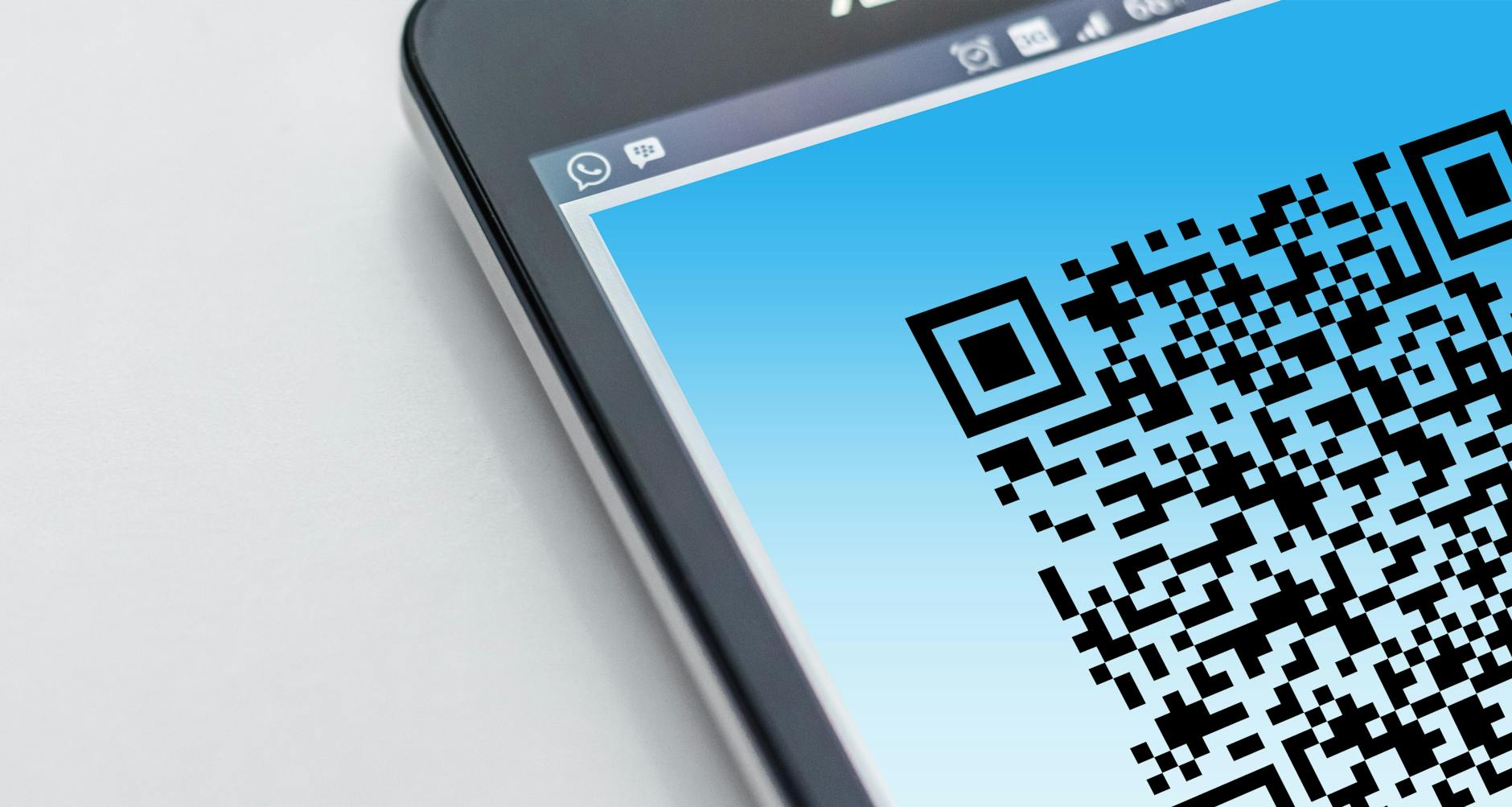
If WhatsApp Web fails to display or refresh the login QR code while connected to JioFiber, the issue is typically caused by DNS-level filtering, WebSocket domain blocking on the Jio Home Gateway router, or IPv6 configuration conflicts. You can fix this problem by switching your browser or system DNS to Cloudflare (1.1.1.1) or Google Public DNS (8.8.8.8), turning off Jio Web Protection inside the MyJio app, or disabling IPv6 on your computer.
Why JioFiber Connections Block the WhatsApp Web QR Code
WhatsApp Web does not load as a static webpage. Instead, it relies on real-time binary WebSockets to stream encryption keys and generate the dynamic QR code on screen. According to official WhatsApp engineering documentation, the platform communicates with multiple CDN endpoints, including web.whatsapp.com, pps.whatsapp.net, and dynamic socket servers under *.web.whatsapp.com.
On JioFiber home networks, three specific factors frequently interrupt this real-time stream in 2026:
- Jio Network Security & DNS Filtering: Reliance Jio operates automated DNS filtering at the ISP level to protect users against malicious URLs. Occasionally, specific WebSocket relay servers used by Meta get mistakenly flagged or delayed, preventing the QR canvas from rendering.
- IPv6 Handshake Failures: JioFiber extensively deploys dual-stack IPv4/IPv6 address allocation. When a computer requests a session via IPv6, routing bottlenecks or MTU mismatches on the Jio Home Gateway router can lead to dropped socket packets while establishing the secure TLS connection.
- MyJio Web Protection Settings: Jio’s built-in network firewall—configurable via the MyJio app—can restrict encrypted websocket traffic if strict security modes or parental filters are turned on.
If your web browser displays a spinning gray circle, a “Retry” button, or an endless blank box where the QR code should be, follow the step-by-step troubleshooting solutions below.
Step-by-Step Solutions to Fix WhatsApp Web on JioFiber
Method 1: Change Your Browser or System DNS (Recommended)
Replacing Jio’s default ISP DNS with a public encrypted DNS provider is the most reliable solution. It bypasses ISP-level domain resolution delays without slowing down your internet connection.
For Google Chrome / Brave / Microsoft Edge
- Open your web browser settings menu (click the three dots at the top right).
- Go to Privacy and security > Security.
- Scroll down to Use secure DNS (or Use Secure Connections).
- Select With and choose Cloudflare (1.1.1.1) or Google (Public DNS) from the dropdown list.
- Close the browser completely, reopen it, and navigate to web.whatsapp.com.
For Windows 11 / Windows 10 System-Wide DNS
- Press
Win + Ito open Settings, then click Network & internet. - Select Wi-Fi or Ethernet (depending on how your PC connects to the JioFiber router).
- Click Hardware properties or click on your connected network name.
- Next to DNS server assignment, click Edit.
- Switch the setting from Automatic (DHCP) to Manual.
- Toggle IPv4 to On, then enter the following IPv4 DNS addresses:
– Preferred DNS: 1.1.1.1
– Alternate DNS: 1.0.0.1
- Click Save and restart your browser.
Method 2: Disable Jio Web Protection via the MyJio App
JioFiber routers sync security rules directly with the MyJio mobile application. If security shields are set to high, WebSocket protocols may be restricted.
- Open the MyJio app on your smartphone (connected to your primary Jio mobile number).
- Tap the Fiber tab at the top menu.
- Scroll down to My Devices and select your active JioFiber Home Gateway router.
- Tap Advanced Settings or Network Settings.
- Locate Jio Security or Web Protection / Safeguard.
- Toggle off Strict Filtering or temporarily disable Jio Cyber Security Shield.
- Wait 60 seconds for the router settings to sync, then reload WhatsApp Web on your computer.
Method 3: Disable IPv6 on Your Computer
If changing the DNS does not immediately resolve the issue, disabling IPv6 forces your computer to route all WhatsApp Web requests through IPv4, eliminating handshake drops.
On Windows PCs
- Press
Win + R, typencpa.cpl, and press Enter to open Network Connections. - Right-click your active JioFiber Wi-Fi or Ethernet adapter and select Properties.
- Scroll down the list of checked components until you find Internet Protocol Version 6 (TCP/IPv6).
- Uncheck the box next to Internet Protocol Version 6 (TCP/IPv6).
- Click OK, close the window, and refresh your browser page.
On macOS
- Open System Settings and click Network.
- Click your active Wi-Fi or Ethernet connection, then select Details….
- Go to the TCP/IP tab in the sidebar.
- Locate Configure IPv6 and change the setting from Automatically to Link-local only or Off.
- Click OK, then restart your browser.
Method 4: Flush Browser Data and Reset WebSocket Cache
Cached data corrupts dynamic QR tokens when switching between network configurations. Clearing site-specific storage ensures fresh credentials.
- Navigate to
web.whatsapp.comin your browser. - Click the padlock icon (or tune icon) on the left side of the address bar.
- Click Site settings or Cookies and site data.
- Select Clear Data or Delete Cookies and Site Data.
- Alternatively, press
Ctrl + Shift + Delete(orCmd + Shift + Deleteon Mac), select Cached images and files, and set the time range to All time. - Restart your browser and reload the page.
Hardware Considerations for JioFiber Router Users
The stock JioFiber dual-band Home Gateway router provided during installation handles basic internet browsing effectively. However, users managing high-volume smart home networks, multi-device office setups, or custom DNS routing often encounter NAT and WebSocket limits.
If you consistently experience connection drops across Meta services, consider switching your Jio Home Gateway into Bridge Mode and pairing it with a dedicated third-party Wi-Fi 6 router.
| Router Model | Connectivity Standard | Key Feature for Home Networks | Price & Purchase Link |
|---|---|---|---|
| TP-Link Archer AX12 | Wi-Fi 6 (802.11ax) | Custom DNS & OFDMA support | Check Price on Amazon ↗ |
| Netgear Orbi Mesh System | Tri-Band Mesh | Seamless whole-home coverage | Check Price on Amazon ↗ |
| D-Link Aquila PRO AI | Wi-Fi 6 Smart Router | Built-in AI traffic prioritization | Check Price on Amazon ↗ |
You can also browse electronic accessories and home network gear directly on Amazon India or compare tech availability across major Indian retail hubs such as Flipkart Affiliate and Croma (Tata).
Free Digital Utilities for Home & Office Work
If you are setting up your remote office workspace or calculating broadband monthly bandwidth utilization, check out our free web utilities. Access our Free Interactive Smart Calculators & Decision Tools Hub to estimate data consumption, calculate home EMI payments, and analyze financial plans completely free of cost.
What This Guide Does Not Cover
To save you time, please note that this troubleshooting guide does not apply to:
- Hardware Camera Issues: Scenarios where your smartphone’s physical camera fails to focus on or scan the computer screen due to lens damage or dirty camera glass.
- Account-Level Bans: Situations where WhatsApp has restricted or suspended your phone number due to policy violations or bulk messaging violations.
- Total JioFiber Network Outages: Network failure scenarios where all websites and services (such as Google, YouTube, and news portals) fail to load entirely due to physical fiber line cuts in your locality.
- Unsupported Browser Versions: Legacy, unupdated web browsers (such as Internet Explorer or outdated browser builds without WebAssembly/WebSocket support).
Frequently Asked Questions
Why does WhatsApp Web fail to load QR codes specifically on JioFiber?
Check real-time price drops, exchange bonus offers, and bank discounts across Amazon and Flipkart during the festive sales.
Will changing my DNS server slow down my JioFiber internet speed?
No. Changing your DNS server to Cloudflare (1.1.1.1) or Google Public DNS (8.8.8.8) only changes how domain names are translated into IP addresses. It does not reduce your overall JioFiber broadband bandwidth or download speeds.
How do I fix the WhatsApp Web QR code issue on a Mac?
On macOS, open System Settings > Network, select your Wi-Fi connection, click Details, go to the DNS tab, and add 1.1.1.1 and 8.8.8.8. Then go to the TCP/IP tab and set Configure IPv6 to Link-local only.
Does turning off IPv6 on Windows harm my broadband connection?
No. Most internet services in India continue to operate seamlessly over standard IPv4 protocol addresses. Turning off IPv6 on your PC simply prevents dual-stack routing conflicts without impacting everyday web browsing or media streaming.
Sources
- Official WhatsApp Web Help Center & System Requirements: https://faq.whatsapp.com/
- Reliance Jio Fiber Official Support & Connectivity Manuals: https://www.jio.com/help/home/fiber
- Reserve Bank of India Official Complaint Portal (for digital payment & banking grievances): https://cms.rbi.org.in/