
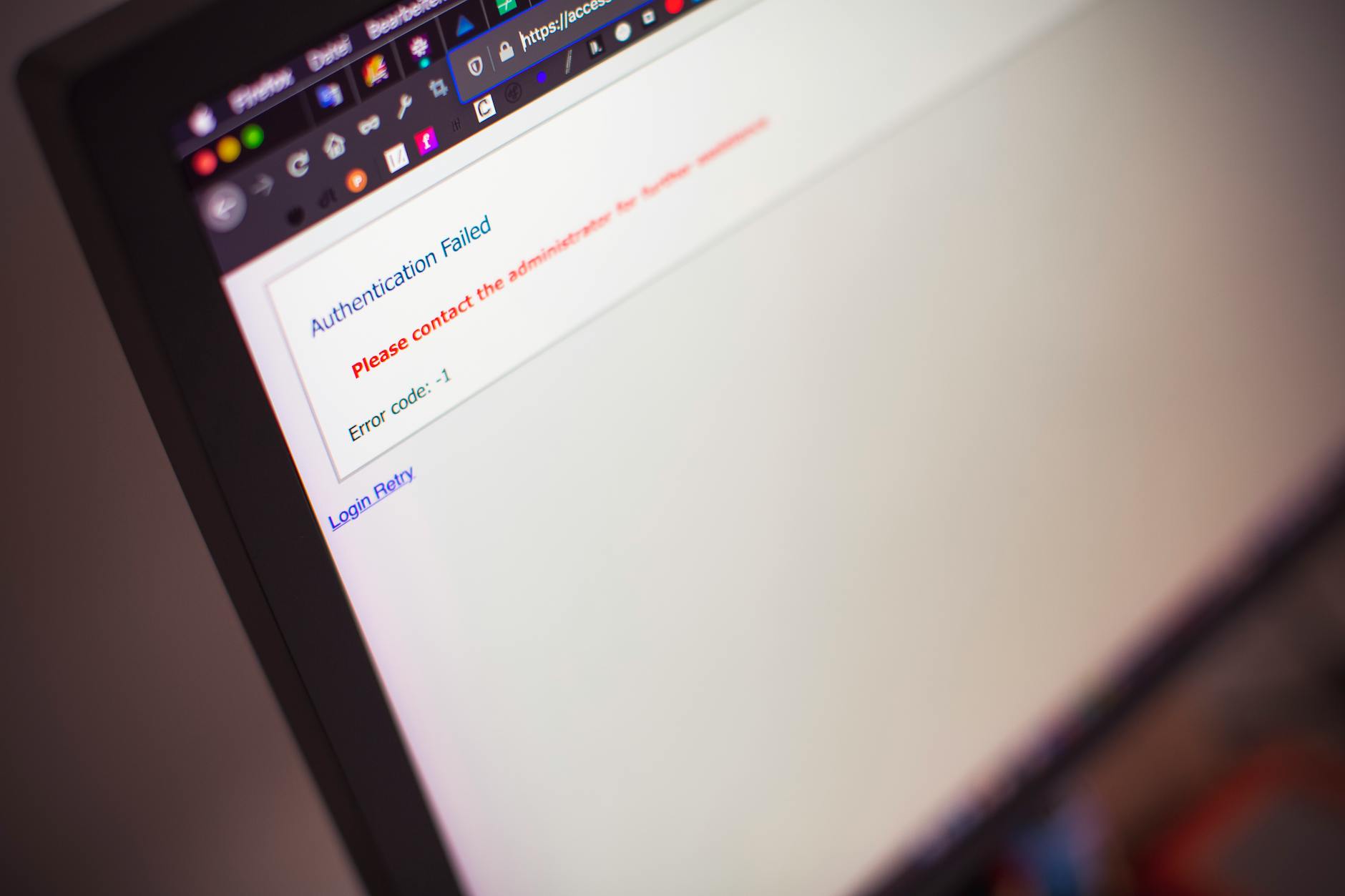
If the EPFO passbook portal displays an “Invalid Password” error despite entering the correct credentials, it is usually caused by the mandatory 6-hour database synchronization delay between the EPFO Unified Member Portal and the Passbook portal. Changing your password on the main portal does not update the passbook server immediately. Waiting 6 hours or resetting the password through the official portal resolves the issue for most users.
Information as of January 2026, sourced from official portal guidelines on the EPFO Official Website.
Why the EPFO Passbook Shows “Invalid Password” Error
The Employees’ Provident Fund Organisation (EPFO) maintains two distinct web servers for employee services:
- EPFO Unified Member Portal (
unifiedportal-mem.epfindia.gov.in): Used for UAN activation, profile updates, KYC linking, and password resets. - EPFO Member Passbook Portal (
passbook.epfindia.gov.in): Used exclusively to view and download PF passbooks and claim status.
Because these two portals operate on separate database clusters, credential updates do not replicate instantaneously across systems.
“
[Unified Member Portal] ---> (Database Sync Delay: ~6 Hours) ---> [Member Passbook Portal]
`
Primary Causes of the Login Failure
- Database Synchronization Lag: According to EPFO technical guidelines, any password reset or UAN activation done on the Unified Member Portal takes up to 6 hours to sync with the Passbook portal.
- Incorrect Password Format: EPFO password policies require a length of 8 to 25 characters, including at least one uppercase letter, one lowercase letter, one number, and one special character (e.g., @
,#,$). - Locked UAN Account: Entering an incorrect password five consecutive times locks the account temporarily on the passbook server.
- Aadhaar-Mobile Unlinking: If your registered mobile number does not match your Aadhaar database, security checks on the passbook portal may reject your login attempt.
- Browser Cache & Saved Passwords: Web browsers often auto-fill outdated passwords previously saved for the domain.
Step-by-Step Fixes for EPFO Passbook Invalid Password Error
Step 1: Wait for the Mandatory 6-Hour Sync Window

If you recently reset your UAN password or activated your UAN, do not attempt to log into the passbook portal immediately.
- Check the exact timestamp of your password change confirmation SMS from EPFO.
- Wait at least 6 full hours before accessing passbook.epfindia.gov.in
. - If you changed your password after 8:00 PM, wait until 9:00 AM the following morning for server batch updates to complete.
Step 2: Reset Your Password on the Unified Member Portal
If the error persists after 6 hours, perform a fresh password reset to clear any corrupted database flags on your UAN profile.
`
Step 1: Open Unified Portal -> Step 2: Click 'Forgot Password' -> Step 3: Enter UAN & Captcha -> Step 4: Verify via Aadhaar OTP -> Step 5: Set New Password
`
- Visit the official EPFO Member Portal and select Member UAN/Online Service.
- Click on the Forgot Password link below the login box.
- Enter your 12-digit UAN and the captcha code shown on screen. Click Submit.
- Enter your Name, Date of Birth, and Gender exactly as recorded on your Aadhaar card, then click Verify.
- Enter your Aadhaar number and the captcha code, tick the consent box, and click Verify.
- Enter the mobile number linked to your Aadhaar card and click Get OTP.
- Enter the 6-digit OTP received on your mobile phone and click Verify.
- Enter a new password following the strict security rules:
* Minimum 8 characters, maximum 25 characters
* At least one uppercase letter (A-Z)
* At least one lowercase letter (a-z)
* At least one digit (0-9)
* At least one special symbol (@, #, $, %)
- Click Submit. You will see the confirmation message: "Password Changed Successfully".
- Do not attempt to log into the passbook portal for 6 hours after completing this step.
Step 3: Clear Browser Cache or Use Incognito Mode
Outdated cookies or auto-filled form data in Google Chrome, Mozilla Firefox, or Microsoft Edge frequently re-submit invalid passwords.
- Open your web browser.
- Press Ctrl + Shift + Delete
(Windows) orCmd + Shift + Delete(Mac). - Select All time as the time range.
- Check Cookies and other site data and Cached images and files.
- Click Clear data.
- Alternatively, open a fresh Incognito / Private window (Ctrl + Shift + N
) and navigate directly topassbook.epfindia.gov.in.
Step 4: Verify UAN Activation Status
An un-activated UAN cannot access the passbook portal regardless of the password used.
- Visit the EPFO Unified Member Portal.
- Click on Know your UAN or Activate UAN under the Important Links section.
- Enter your Member ID / Aadhaar / PAN, Name, Date of Birth, and Mobile Number.
- If the screen displays "UAN is already activated", your account is active. If not, complete the activation process by verifying the authorization PIN sent to your Aadhaar-registered mobile number.
Common EPFO Passbook Login Errors and Solutions
| Error Message | Probable Cause | Corrective Action |
|---|---|---|
| Invalid Password / UAN | Sync delay, wrong password, or cached login details | Wait 6 hours post-reset, clear browser cache, or perform a password reset. |
| UAN is not Active | UAN not activated on main portal | Activate UAN via unifiedportal-mem.epfindia.gov.in and wait 24 hours. |
| Member ID is not linked with UAN | Employer has not mapped Member ID to UAN | Contact your employer HR/Payroll department to link your PF account. |
| Captcha Error / Failed | Session timeout or slow response | Refresh captcha code and submit within 60 seconds. |
| Portal Under Maintenance | Backend server updates by EPFO | Avoid peak hours (10:00 AM - 4:00 PM on weekdays); try early morning or late evening. |
What This Guide Does Not Cover
This troubleshooting guide applies to standard employees whose Provident Fund is managed directly by EPFO. It does not cover:
- Exempted PF Trusts: Employees of companies that maintain private, in-house PF trusts (such as TCS, Infosys, Wipro, or SBI) cannot view their passbook on the official EPFO passbook portal. You must check your balance through your employer's internal employee portal.
- Inoperative Accounts: Accounts where no contributions have been made for over 36 months, and the UAN was generated prior to mandatory Aadhaar seeding rules.
- Unlinked International Workers: Non-Indian citizens working in India whose passport/foreign worker credentials have not been validated by the regional EPFO office.
If This Doesn't Work: Escalation via EPFiGMS Portal
If you have waited more than 24 hours after a password reset and still receive the "Invalid Password" message, file an official grievance on the EPFiGMS (EPF I Grievance Management System) portal.
`
[Visit epfigms.gov.in] ---> [Register Grievance] ---> [Select 'PF Member'] ---> [Enter UAN & Details] ---> [Upload Screenshot] ---> [Submit & Track]
`
- Go to the official grievance website: epfigms.gov.in`.
- Click on Register Grievance from the top menu.
- Select your status as PF Member.
- Enter your UAN and Security Code, then click Get Details.
- Select the relevant PFO Office handling your account (found on your salary slip or PF statement).
- Under Grievance Category, select Passbook Related Issues or Technical / Portal Error.
- Write a detailed description of the error: specify your UAN, the date and time of your password reset, and state that the 6-hour waiting window has passed.
- Upload a clear screenshot of the “Invalid Password” error screen (PDF or JPEG format, under 1 MB).
- Click Submit. Note down the unique Grievance Registration Number. EPFO guidelines state that grievances are typically addressed within 7 to 21 working days.
Managing Your EPF and Financial Goals
Tracking your EPF balance regularly is essential for monitoring retirement savings and tax planning under Section 80C. While EPF offers guaranteed returns set by the Ministry of Finance, balancing your retirement portfolio with equity investment options can help outpace inflation.
To calculate your projected EPF corpus at retirement, check out our Free Interactive Smart Calculators & Decision Tools Hub to estimate interest compounding and plan your monthly contributions accurately.
For additional wealth creation outside EPF, many investors combine mandatory provident fund savings with equity mutual funds or direct stocks. You can explore personal finance management tools like ET Money to track your total net worth, or set up Systematic Investment Plans (SIPs) using platforms such as Groww.
Disclaimer: This article provides general procedure instructions and regulatory information, not financial advice.
Frequently Asked Questions
How long does it take for a new UAN password to work on the passbook portal?
Compare pre-approved RuPay UPI cashback cards, zero-AMC Demat accounts, and DICGC-insured high-yield savings accounts in 60 seconds with zero credit score impact.
Why is my UAN password working on the main portal but not on the passbook site?
The main portal and passbook portal use different server clusters. Passbook servers sync credential updates periodically. If you recently updated your password, wait 6 hours before logging into the passbook website.
What should I do if my UAN account gets locked after multiple failed attempts?
Wait 24 hours for the automatic security lock to expire, or use the ‘Forgot Password’ feature on the main Unified Member Portal to set a new password immediately.
Can I view my EPF passbook on the UMANG app if the web portal shows an invalid password error?
No. The UMANG mobile application fetches data from the same backend EPFO database. If credentials have not synchronized, the login will fail on UMANG as well until the 6-hour sync completes.
Sources