

TL;DR: If your SBI eRupee wallet transfer failed, the issue is typically caused by local app cache corruption, outdated SIM binding verification, or central bank ledger synchronization delays. You can resolve most transaction failures immediately by performing a hard network reset, clearing your application storage, or waiting for the RBI-mandated 48-hour automated ledger reversal process.
If you are dealing with an SBI eRupee wallet transfer failed notification on your smartphone, you are not alone. As India scales its retail Central Bank Digital Currency (CBDC-R) pilot throughout 2026, millions of retail users are migrating to sovereign digital tokens. However, because this system operates on a distinct infrastructure different from UPI, users frequently encounter synchronization issues, balance mismatches, and payment declines.
Experiencing transaction failures when handling legal tender can be stressful. Fortunately, unlike legacy banking systems, the digital rupee system is built on a direct cryptographic architecture that tracks every digital token. This means your funds are never truly lost, and resolving these issues is straightforward once you know how the backend ledger operates.
What Is the SBI eRupee Wallet?
The SBI eRupee wallet is a specialized digital currency application developed by the State Bank of India that permits retail users to store, transfer, and transact using the Digital Rupee (e₹). This digital rupee is a sovereign currency issued directly by the Reserve Bank of India, functioning as a digital equivalent of physical cash.
Unlike traditional UPI mobile apps that initiate instant account-to-account bank transfers, the eRupee system utilizes a token-based model. When you load money into your eRupee wallet, your bank deposits are converted directly into unique cryptographic tokens held on your mobile device. Because these tokens represent direct liabilities of the central bank, transactions do not depend on the availability of your specific commercial bank’s core banking servers to settle in real-time.
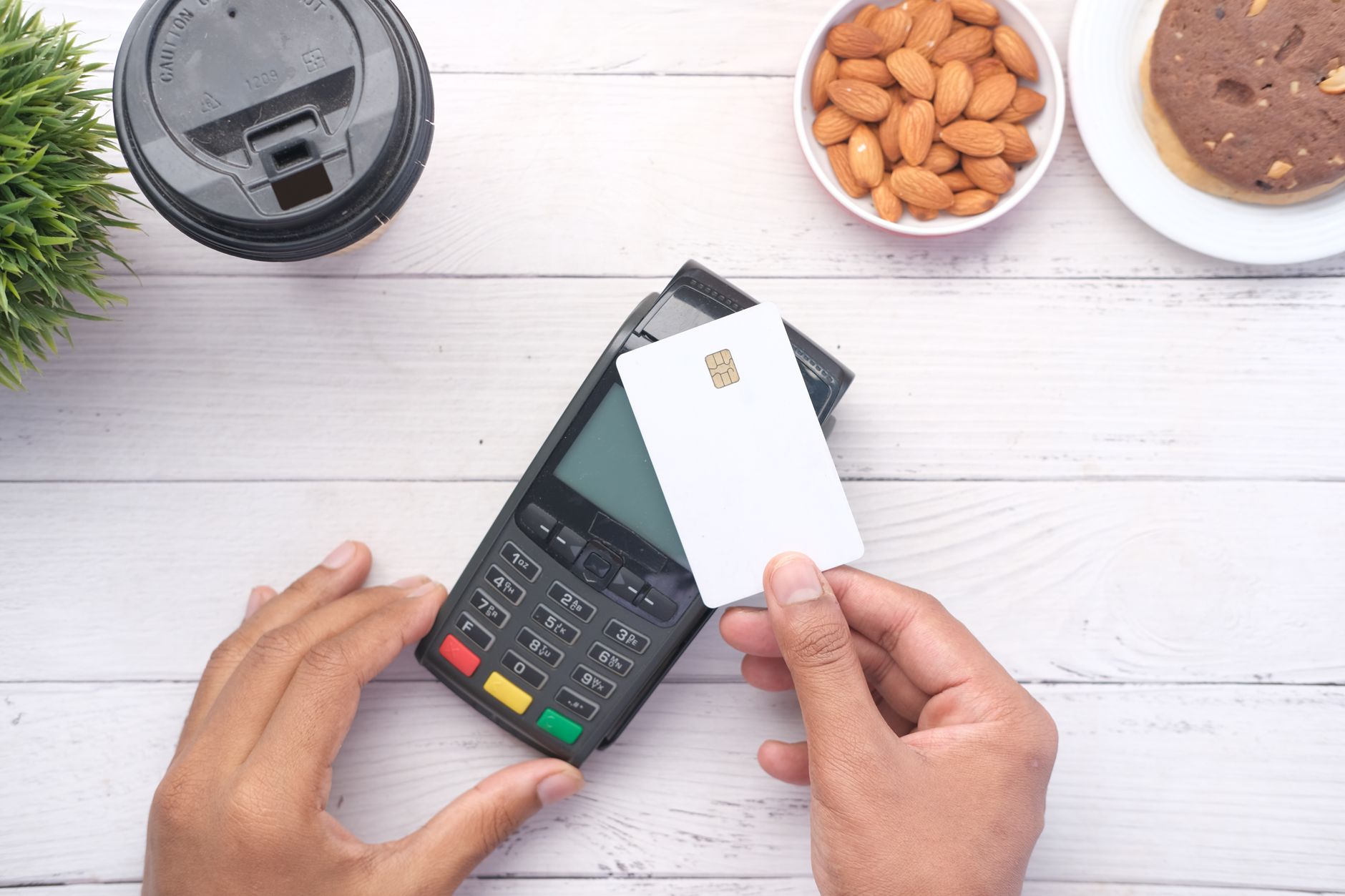
Why SBI eRupee Wallet Transfers Fail in 2026
Despite architectural improvements in 2026, technical bottlenecks still trigger transaction declines. Understanding why your payment failed helps you apply the correct troubleshooting step.
1. Centralized Ledger Desynchronization
The retail digital rupee infrastructure utilizes a secure, distributed ledger managed by the RBI. During peak transaction times, the communication bridge between the State Bank of India’s portal and the central bank’s ledger can experience latency. This delay results in your local application timing out before receiving a confirmation token, triggering a transfer failure.
2. Broken SIM Binding and Device Fingerprinting
For security reasons, the SBI eRupee app binds itself strictly to your device’s physical IMEI and the active SIM card registered with your bank account. If your mobile network switches carriers, dual-SIM settings are adjusted, or your 5G network transitions between bands, the app’s cryptographic token security module may temporarily flag your session, blocking any active wallet transfers.
3. Outdated Application Cryptographic Keys
The eRupee wallet stores individual digital tokens directly on your phone’s secure hardware enclave. Over time, cached keys can become corrupted or misaligned with the bank’s remote verification server. This leads to balance errors or “Transaction Denied” alerts when you attempt to send tokens to merchants or peers.
📊 Key Stat: According to retail payment reports from the National Payments Corporation of India in late 2025, technical issues accounted for nearly 1.4% of initial retail digital asset transactions, with over 90% of those issues stemming from local device cache mismatches and device-binding drops.
How to Fix SBI eRupee Wallet Transfer Failed Issues: Step-by-Step
When your digital currency transfer stalls, follow these systematic troubleshooting steps to restore your wallet’s performance.
Step 1: Force Stop and Clear local Application Cache
Corrupted application files are the primary cause of local network timeouts. Clearing the application cache forces the eRupee app to rebuild its secure database connection.
- Long-press the SBI eRupee app icon on your smartphone.
- Select App Info (or the “i” icon).
- Navigate to Storage & Cache.
- Tap Clear Cache (Do not select Clear Data yet, as that will remove your offline tokens).
- Restart your phone and attempt the transfer again.
Step 2: Verify SIM Preference and Re-register Mobile Binding
If you use a dual-SIM phone, the eRupee app can lose track of the correct data path.
- Go to your phone’s Settings > Network & Internet > SIM Cards.
- Ensure your SBI-registered mobile number is designated as the primary SIM for both Mobile Data and SMS.
- Turn off your Wi-Fi connection temporarily and run the transfer over your mobile carrier’s direct 4G/5G network. This forces clean cellular verification.
Step 3: Perform a Manual Wallet Token Synchronization
If your wallet balance shows a debit but your history says the transfer failed, your local tokens may be out of sync with the master ledger.
- Open your SBI eRupee app.
- Tap the Profile icon in the upper corner.
- Navigate to Settings > Sync Wallet Tokens.
- Allow the app to communicate with the central ledger. This will automatically pull down any missing digital tokens or push failed ones back to your main balance.

SBI eRupee vs UPI: Quick Comparison
Understanding how eRupee differs from standard digital payment methods makes it easier to troubleshoot system-specific errors.
| Feature | SBI eRupee (CBDC-R) | UPI (Unified Payments Interface) |
|---|---|---|
| Settlement Basis | Cryptographic Token-based | Account-to-account bank transfer |
| Intermediary Bank Server | No (Direct RBI Liability) | Yes (Requires sender & receiver bank active) |
| Anonymity Level | High (Comparable to physical cash) | Low (All entries on bank statement) |
| Offline Mode Support | Yes (Via local secure enclave) | Highly limited |
| Primary Failure Cause | Device key sync & ledger timeouts | Core banking server downtime |
How to Recover Money from a Failed SBI eRupee Transaction
If your money was debited from your bank account or deducted from your eRupee wallet during a failed transfer, you do not need to panic. The entire system operates under strict guidelines set by the central bank.
Understanding the Automated Settlement Cycle
When an SBI eRupee wallet transfer failed event occurs, the ledger recognizes that a token was debited from Sender A but never successfully claimed by Receiver B. Because a cryptographic token cannot exist in two places at once, the system flags this token as “unclaimed.”
Under standard RBI digital currency regulations, the system initiates an automated ledger reconciliation process:
- The T+1 Settlement Window: The vast majority of failed tokens are automatically returned to your digital wallet within 24 hours.
- The Bank Reconciliation Window: If you were loading cash from your SBI savings account into the wallet and the transaction failed, the funds will return directly to your bank account within 2 to 3 business days.
Escalating Your Issue to State Bank of India Support
If your funds are not returned within 48 hours, you can initiate a formal dispute:
- Locate the Transaction ID (a unique 32-character alphanumeric code) from the Transaction History tab in your eRupee app.
- Draft an email to SBI’s dedicated CBDC helpdesk at
support.cbdc@sbi.co.in. - Include your registered mobile number, the transaction date, and a screenshot of the failure message.
Managing Your Personal Finances in the Digital Age
As India moves faster toward a cash-free ecosystem, diversifying your financial management tools is essential. While the sovereign digital rupee is excellent for day-to-day transactions, building long-term wealth requires structured planning.
💡 Pro tip: We use ET Money to track our overall investment portfolios, analyze mutual fund performances, and manage monthly budgets alongside digital currencies. It is an excellent way to maintain full visibility over your finances in 2026.
If you are looking to build a diversified portfolio that complements your liquid digital assets, setting up a demat account is a smart move. Using a trusted platform like Groww allows you to transition your digital savings into long-term mutual funds or equities with a few taps.
Making Money in the Modern Indian Digital Economy
The growth of digital infrastructure in India has made it easier than ever to build online streams of income. Whether you use digital wallets, UPI, or standard banking services, having the right digital assets can help you monetize your online presence.
If you want to capitalize on these shifts, learning to use modern digital and AI resources is a highly lucrative move.
📥 Want more? Get our Top 50 AI Tools to Make Money (PDF) — ₹199. This comprehensive guide is curated for Indian creators, freelancers, and professionals looking to build profitable digital revenue streams.
In addition to building income streams, you can explore other digital finance guides on our site. Check out our resources on the best AI tools for Indian freelancers and learn the fundamentals of modern finance with our comprehensive guide on how to start investing in mutual funds.
⚡ Join our VIP Telegram for Daily 70–90% Loot Deals: Don’t miss instant Amazon & Flipkart price drops, verified tech discounts, and flash sales! 👉 Join @offers99infostore Free on Telegram ↗
Frequently Asked Questions
Why did my SBI eRupee transfer fail but money got debited?
This happens when your transaction times out before reaching the recipient. The cryptographic token remains in transit in the central ledger database. The system’s automated protocol detects this mismatch and returns the tokens to your wallet within 24 to 48 hours.
How long does it take for a failed eRupee transaction to refund?
Most failed transfers are reconciled automatically and returned within 24 hours. If the transaction involved pulling money directly from your linked SBI bank account, it can take up to 3 business days for the funds to return to your bank ledger.
Can I transfer eRupee back to my regular SBI bank account?
Yes, you can convert digital tokens back to regular bank funds anytime. Use the “Redeem” option inside your SBI eRupee app. Select the token denominations you wish to convert, and the equivalent amount will be instantly credited back to your linked SBI savings account.
Why does my SBI eRupee app say ‘No Internet’ or ‘Server Timeout’?
This error occurs when your device fails to establish a secure connection with SBI’s CBDC validation server. Resolve this by switching off your Wi-Fi, using your primary mobile carrier network, clearing your app cache, and verifying that your mobile date/time matches internet time. —
Conclusion
Experiencing an SBI eRupee wallet transfer failed status can be frustrating, but the underlying token architecture ensures your money is always accounted for. By following key troubleshooting steps—such as clearing your app cache, running manual token syncs, and verifying SIM card binding—you can resolve almost all transaction issues on your own.
As digital currency technology advances across India, staying informed about system updates will help you navigate this transition smoothly. Keep your app updated, track your transaction IDs, and let the automated system manage temporary network delays.
📥 Ready to build your digital wealth? Grab our Top 50 AI Tools to Make Money (PDF) today and discover practical strategies to generate consistent online income in 2026.








1 comment
📥 Get our “Top 50 AI Tools to Make Money (PDF)” — ₹199 – ₹499 at https://99infostore.com/product/top-50-ai-tools-pdf