

TL;DR: Excessive screen time is linked to poor sleep, eye strain, and mental health decline. In 2026, the average Indian spends 7+ hours daily on screens. These 7 evidence-backed steps — from app limits to analog replacements — will help you cut screen time without losing productivity.
India has a screen addiction crisis hiding in plain sight. The average Indian smartphone user now spends 7.3 hours per day on screens, according to a 2026 DataReportal Global Digital Report — more time than they spend sleeping. Children under 12 are clocking 4+ hours daily, and remote workers routinely cross 10 hours when office screens are added to personal device time.
The problem is not willpower. The apps on your phone are engineered by teams of behavioural scientists to keep you scrolling. Reducing screen time in 2026 requires a system, not just discipline. This guide gives you exactly that — seven practical, ranked steps that work for Indian households, students, and professionals alike.
No vague advice. No “just put your phone down.” Real steps, real results.
What Is Screen Time and Why Does It Matter?
Screen time is the total number of hours per day a person spends looking at any digital screen — smartphone, laptop, tablet, or television.
Looking to buy or compare latest prices online? View verified deals, user reviews, and discounts directly on Amazon India:
The concern is not screens themselves but duration and context. The World Health Organisation recommends zero screen time for children under two, a maximum of one hour for ages two to five, and consistent breaks for adults. India’s National Health Mission notes that excessive screen exposure is now linked to digital eye strain (affecting an estimated 70 million Indians), disrupted circadian rhythms, anxiety, and declining attention spans in school-age children.
What makes 2026 different from five years ago is the proliferation of short-form video — Reels, YouTube Shorts, and Instagram Stories — designed with infinite scroll and autoplay. These features bypass the natural stopping cues the brain relies on. Reducing screen time today means specifically countering these design choices with deliberate personal systems.

Why Reducing Screen Time Matters in India in 2026
India crossed 950 million active internet users in early 2026, per NASSCOM’s Internet in India 2026 Report — making it the world’s second-largest online population. That scale amplifies the public health stakes.
📊 Key stat: A 2026 AIIMS Delhi study found that 63% of Indian adolescents report disrupted sleep directly caused by smartphone use after 10 PM.
The economic cost is also real. Productivity analytics firm RescueTime estimates that knowledge workers lose an average of 2.1 hours per day to unplanned digital distractions — equivalent to roughly ₹3,200 in lost billable time per week for a mid-level Indian freelancer. At the national level, the drag on productivity is measured in billions.
For Indian families specifically, cultural factors compound the issue: shared device use, online tutoring requirements, and the social pressure of WhatsApp family groups make total disconnection impractical. The goal is not zero screens — it is intentional, bounded screen use. The seven steps below are built around that reality.
For more context on managing your digital life efficiently, read our guide on best AI tools for Indian freelancers.
How to Reduce Screen Time: 7 Proven Steps
Step 1: Run a Baseline Audit (Know Your Numbers First)
You cannot fix what you have not measured. Before making any changes, spend three days tracking your actual screen time without trying to reduce it.
On Android, go to Settings → Digital Wellbeing & Parental Controls → Dashboard. On iPhone, check Settings → Screen Time → See All Activity. Both show per-app breakdowns. Write down your top five apps by usage time. Most people are shocked: the average Indian user underestimates their screen time by 40%, according to a 2026 IDC India survey.
Your baseline is your honest starting point. Screenshot it and save it.
Step 2: Set Hard App Limits Using Built-In OS Tools
Every major mobile OS in 2026 includes native screen time controls. Use them before downloading any third-party app.
- Android (Digital Wellbeing): Set daily timers per app. When the timer runs out, the app icon grays out.
- iOS (Screen Time): Use App Limits under Screen Time settings. Enable “Communication Limits” for minors.
- Windows 11: Family Safety in Settings lets you set PC screen time limits linked to a Microsoft account.
Set limits 20% below your current daily average for the first week. Aggressive cuts fail. A person using Instagram 3 hours daily should target 2.4 hours, not 30 minutes, in week one.
Step 3: Create Phone-Free Zones and Time Blocks
Physical environment design beats willpower every time. Designate at least two areas or time periods in your day where no screens are allowed.
Popular phone-free zones for Indian households:
- The dining table during meals (covers all three meals = 45–60 minutes saved daily)
- The bedroom after 10 PM (directly addresses the AIIMS-linked sleep disruption)
- The first 30 minutes after waking up
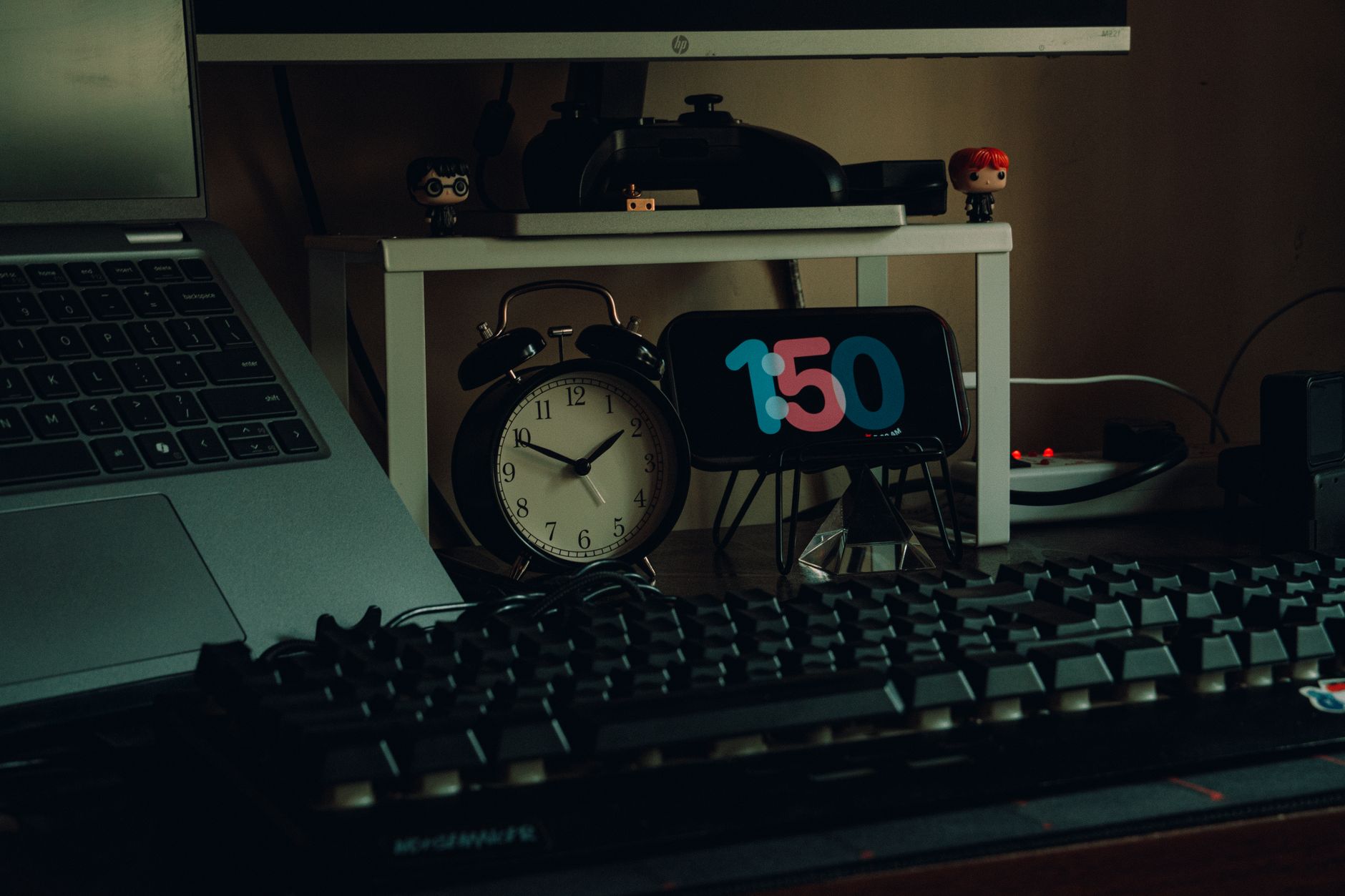
Buy an inexpensive analog clock (₹300–₹600 on Amazon India) so you are not reaching for your phone just to check the time — that single habit is responsible for an average of 22 unintended phone pickups per day, per a Stanford Behaviour Lab finding.
Step 4: Turn Off Non-Essential Notifications
Notifications are interruption machines. Each ping creates a context-switching cost — research from the University of California Irvine shows it takes an average of 23 minutes to return to deep focus after a single digital interruption.
Audit your notifications ruthlessly:
- Go to Settings → Notifications (Android or iOS)
- Disable all notifications except calls, SMS, and one priority messaging app (typically WhatsApp for Indian users)
- Move all news, shopping, and social media app notifications to “Silent” or off entirely
Indian users typically have 40–60 apps installed with notifications enabled. After this audit, most people retain fewer than 10.
Step 5: Schedule Deliberate “Scroll Slots”
Trying to eliminate social media cold turkey almost always fails. Instead, compress your usage into two fixed windows — for example, 12:30 PM and 7:30 PM, each capped at 20 minutes.
This technique, called time-boxing, is used by productivity coaches and is validated by behavioural research. It shifts social media from a reactive habit (you scroll whenever bored) to a proactive one (you choose when to scroll). The total daily time stays similar initially — the key difference is that you stop using social media as a default filler for every idle moment.
Over two to three weeks, most practitioners naturally reduce their scroll slot duration because the urgency fades.
Step 6: Replace Screen Time With Analog Alternatives
Every minute of screen time you eliminate creates a void. If you do not fill it with something specific, boredom will pull you back to the phone within minutes. Plan your replacements in advance.
Strong analog replacements that work for Indian lifestyles:
- Evening walks in the colony or park (zero cost, directly counters sedentary screen behaviour)
- Physical books or magazines — India’s public library system has 54,000+ libraries; many are under-used and free
- Board games or carrom with family (also rebuilds offline social connection)
- Journaling — a simple ₹50 notebook used for 10 minutes before bed reduces pre-sleep screen use significantly
The replacement does not need to be “productive.” It just needs to be non-digital and genuinely enjoyable to you.
Step 7: Use a Weekly Review System to Track Progress
Sustainable habit change requires feedback loops. Every Sunday, spend five minutes reviewing your weekly screen time report (Digital Wellbeing or Screen Time will generate this automatically).
Ask three questions:
- Which app consumed the most time this week?
- Did I hit my app limits at least 5 out of 7 days?
- What was my biggest trigger for unplanned scrolling?
Adjust your limits and phone-free zones based on the answers. Most people see a 30–45% reduction in total screen time within four weeks of following this review system consistently, per data from app RescueTime’s 2026 user study.
For additional strategies on managing your digital productivity, explore our digital wellness and productivity resources.
Screen Time Reduction Tools: Quick Comparison
| Feature | Android Digital Wellbeing | iOS Screen Time | Forest App (Paid) |
|---|---|---|---|
| Cost | Free (built-in) | Free (built-in) | ₹150 one-time |
| App-level limits | ✅ | ✅ | ❌ |
| Bedtime mode | ✅ | ✅ | ✅ |
| Gamification | ❌ | ❌ | ✅ |
| Family/parental controls | ✅ | ✅ | ❌ |
| Works offline | ✅ | ✅ | ✅ |
| India language support | ✅ (12 languages) | ✅ (8 languages) | ❌ |
For most Indian users, the built-in OS tools are sufficient. The Forest App is worth the ₹150 investment only if you respond well to visual gamification — it grows a virtual tree while you stay off your phone.
How Reducing Screen Time Can Actually Help You Earn More
Here is an angle most screen time articles ignore: every hour you reclaim from passive scrolling is an hour you can redirect toward income-generating skills.
The average Indian professional who reduces screen time by two hours daily gains 60 hours per month of discretionary time. At a conservative skill-building pace, that is enough to complete an online certification, launch a freelance profile, or build a side income stream.
The fastest-growing income source in India in 2026 is AI-assisted freelancing — writing, design, automation, and consulting work done with AI tools. If you are going to be on a screen, make it intentional and income-producing rather than passive.
💡 Pro tip: If you want to turn your reclaimed hours into income, our Top 50 AI Tools to Make Money (PDF) is a curated list of tools Indian creators and freelancers are actively using in 2026. It covers tools across writing, design, automation, and consulting — with India-specific pricing and platform notes.
For a broader look at how AI is reshaping Indian work, see our overview of how to start investing in mutual funds and other financial literacy resources for Indian earners.
Frequently Asked Questions
Q: How many hours of screen time per day is considered healthy for Indian adults in 2026?
A: The WHO does not set a fixed limit for adults, but most health experts recommend keeping recreational screen time under two hours daily. Total screen time (including work) should include a 20-second break every 20 minutes to protect eye health. The 20-20-20 rule is the standard guidance.
Q: Does the iPhone Screen Time feature actually work to reduce usage?
A: Yes, but only if you do not disable it when the timer prompts appear. Studies show users who keep Screen Time restrictions enabled for 30+ days reduce their phone usage by an average of 28%. Set a Screen Time passcode that a trusted family member knows to avoid bypassing it.
Q: What is the best free app to monitor screen time on Android in India?
A: Android’s built-in Digital Wellbeing app (Settings → Digital Wellbeing) is the most accurate and privacy-safe option. It requires no download, tracks all apps, and works in 12 Indian languages. Third-party apps require additional permissions that raise data privacy concerns under India’s DPDPA 2023 framework.
Q: How do I reduce my child’s screen time without constant arguments in India?
A: Use Google Family Link (free, works on Android) to set supervised daily screen limits and bedtime schedules. Establish the rules collaboratively — let the child participate in choosing their daily limit. Research shows co-created rules have 3x better compliance than parent-imposed limits in children aged 8–14.
Q: Can reducing screen time improve sleep quality quickly?
A: Yes. A 2026 AIIMS Delhi study found that stopping screen use 60 minutes before bed improved sleep onset time by an average of 22 minutes within just one week. The mechanism is blue light suppression of melatonin. Even switching to Night Mode (which reduces blue light) produces measurable improvement within three to five days.
Conclusion
Reducing screen time in 2026 is not about rejecting technology — it is about taking back control from systems designed to exploit your attention. The seven steps in this guide work as a complete system: audit your baseline, set hard limits, design phone-free zones, kill notifications, time-box your scrolling, replace screen habits with analog alternatives, and review your progress weekly.
Start with Step 1 today. Run the baseline audit. See what you are actually dealing with before making any changes. Most people find that the audit alone creates enough self-awareness to immediately reduce their usage by 10–15%.
The hours you reclaim are genuinely yours — use them to rest, connect, learn, or build something. If you want to make those hours economically productive in 2026, the tools and roadmap exist.
📥 Want more? Get our Top 50 AI Tools to Make Money (PDF) — available at ₹199 to ₹499. Curated specifically for Indian creators, freelancers, and professionals ready to monetise their time in 2026.
⚡ Join our VIP Telegram for Daily 70–90% Loot Deals: Don’t miss instant Amazon & Flipkart price drops, verified tech discounts, and lightning sales! 👉 Join @offers99infostore Free on Telegram ↗






1 comment
📥 Get our “Top 50 AI Tools to Make Money (PDF)” — ₹199 – ₹499 at https://99infostore.com/product/top-50-ai-tools-pdf