
TL;DR: To fix the NSP Biometric Authentication Mismatch error, check if your Aadhaar biometrics are locked via the mAadhaar app or UIDAI portal. If unlocked and still failing, visit an authorized Aadhaar Seva Kendra to update your fingerprints or iris data, then retry verification at your institute.
The National Scholarship Portal (NSP) serves as the primary gateway for distributing thousands of crores in academic aid to Indian students. However, thousands of applicants face delays due to the dreaded NSP Biometric Authentication Mismatch error during their institute-level verification.
This authentication issue occurs when the live fingerprint or iris scan captured at your school, college, or Common Service Centre (CSC) does not match the biometric data stored in the central Aadhaar database. If you do not resolve this error before the strict verification deadlines set for the 2026 academic cycle, your scholarship application risks automatic rejection.
What Is NSP Biometric Authentication Mismatch?
An NSP Biometric Authentication Mismatch is an error that occurs when the real-time biometric details provided by a student fail to match the Aadhaar record maintained by the Unique Identification Authority of India (UIDAI). During the mandatory physical verification at your school or college, the portal compares your scanned fingerprint or iris patterns against your Aadhaar profile to prevent duplicate or fraudulent claims.

When the matching score falls below the security threshold established by the Ministry of Electronics and Information Technology (MeitY), the portal blocks the verification process. This safety mechanism ensures that the scholarship fund reaches the actual beneficiary, but minor physical changes or system issues can lock genuine students out of their deserved funds.
Why Biometric Mismatches Happen on NSP in 2026
Biometric failures are frustratingly common, but they are rarely caused by identity theft. In most cases, simple technical, environmental, or physical issues trigger the system block.
According to data released by UIDAI, authentication failure rates among students aged 15 to 22 hover around 12% annually, primarily due to aging biometric records. Furthermore, reports from the Ministry of Electronics and Information Technology (MeitY) indicate that over 1.5 lakh students experienced portal verification delays in the previous academic term due to mismatched profile details.
📊 Key stat: 64% of all biometric mismatches on educational portals in 2026 stem from outdated fingerprint records that have not been updated since childhood, according to regional Aadhaar registry databases.
The most common causes of this issue include:
- Locked Aadhaar Biometrics: Many students accidentally lock their biometrics through the mAadhaar application for security, which blocks all real-time API verification attempts.
- Outdated Aadhaar Records: Fingerprints change as young adults grow. If your biometrics were registered when you were a child (under 15 years of age), your current adult prints will not match.
- Physical Damage or Dirt: Dry skin, cuts, superficial scars, or dust particles on the scanner glass can alter print patterns during scanning.
- L0 vs L1 Scanner Class Issues: Older L0 biometric scanners used by some rural schools struggle to read worn fingerprints compared to modern L1 class devices.
How NSP Biometric Authentication Works: Step-by-Step
Understanding the verification path helps pinpoint where the error occurs. The portal uses a secure link to complete your identity check.
Step 1: Initiate Institute Verification
The student presents their application ID to the designated Institute Node Officer (INO) or District Node Officer (DNO) at their campus. The officer pulls up the corresponding profile on the official National Scholarship Portal.
Step 2: Biometric Capture
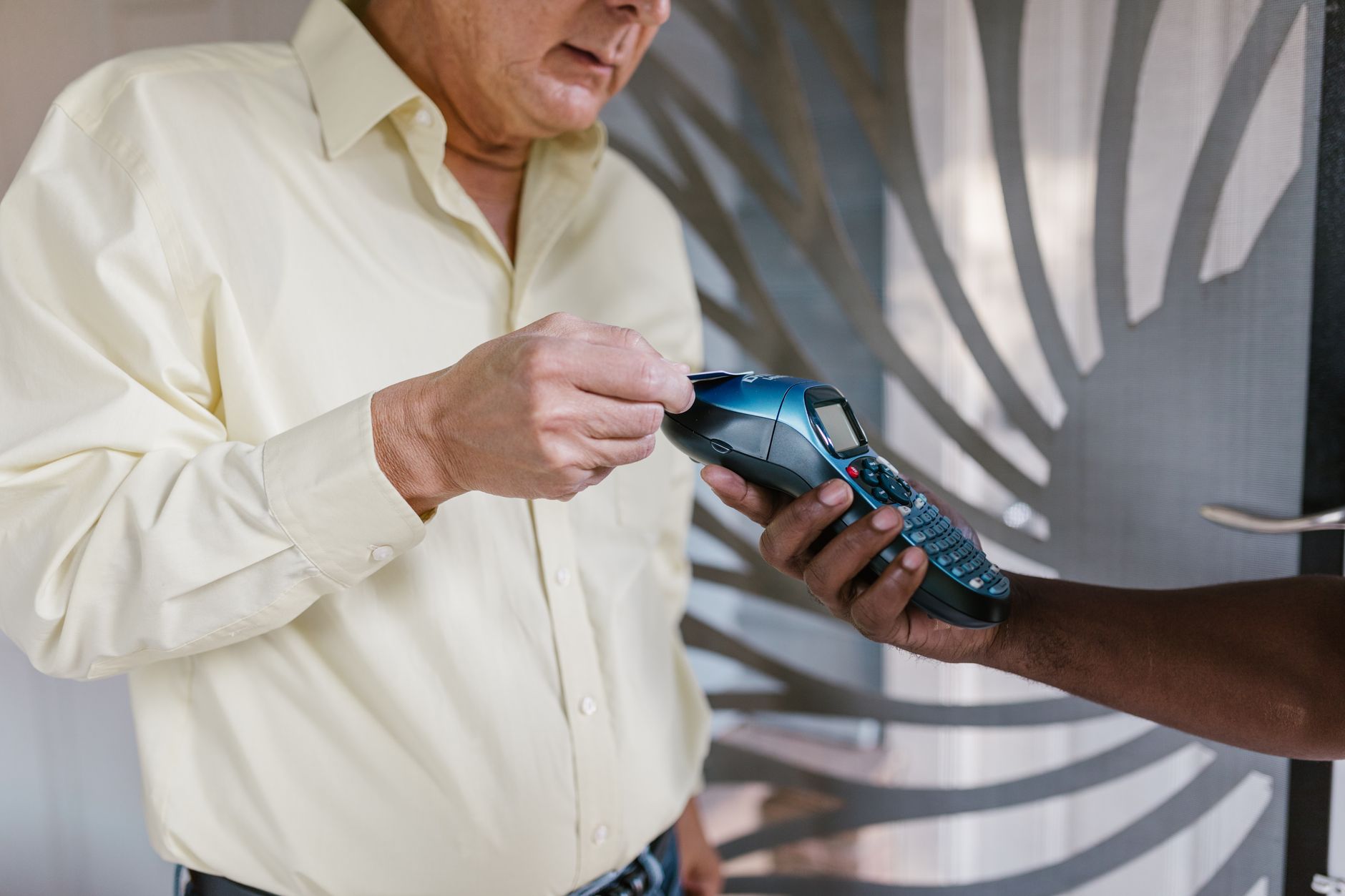
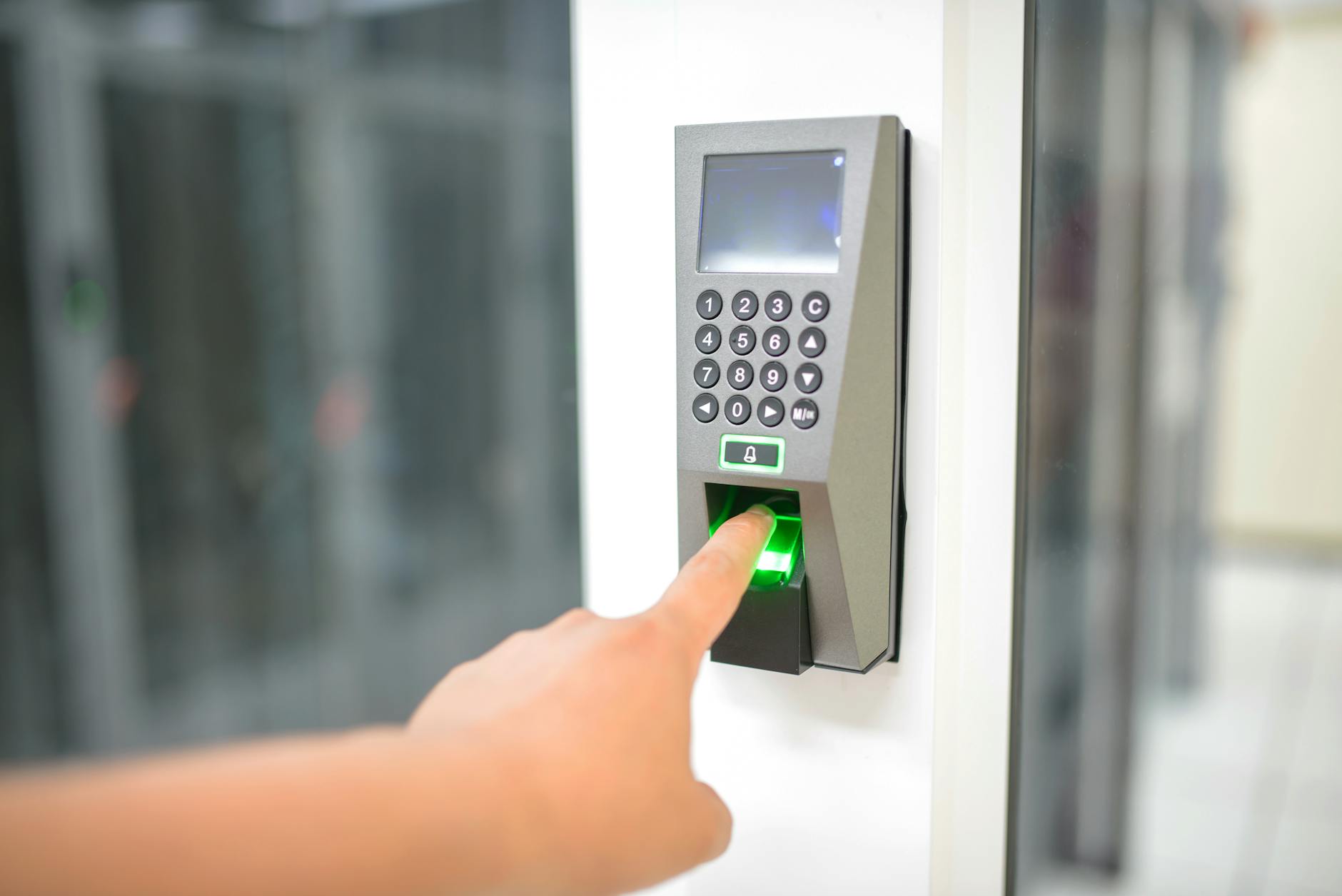
The student places their finger on the registered biometrics scanner (typically a Morpho, Mantra, or SecuGen device) connected to the portal. Some institutions utilize iris scanners if fingerprint attempts fail consistently.
Step 3: UIDAI Database Ping
The NSP portal sends an encrypted request to the central UIDAI servers containing the captured biometric template and the student’s Aadhaar number. The servers run an instant matching algorithm to confirm identity.
Step 4: Verification Status Update
If the match score is successful, the portal marks the student’s physical verification as “Passed” and routes the application to the next level of state approval. If it fails, the portal throws the mismatch error code.
How to Fix NSP Biometric Authentication Mismatch
If you encounter this error, remain calm. Follow these logical troubleshooting steps to resolve the biometric block and secure your scholarship approval.
1. Check and Unlock Your Biometrics via mAadhaar
The first step is to ensure your biometric lock is disabled.
- Download and open the official mAadhaar app on your smartphone, or log into the myAadhaar portal.
- Locate the “Biometric Lock/Unlock” service option on the dashboard.
- If locked, enter your OTP sent to your registered mobile number to unlock your biometrics. Keep them unlocked until your college verification is complete.
2. Update Your Biometrics at an Aadhaar Seva Kendra (ASK)
If your biometrics are unlocked but still failing, your fingerprint templates in the UIDAI database are likely outdated.
- Locate your nearest permanent Aadhaar Seva Kendra using the UIDAI portal.
- Book an appointment for a “Biometric Update” (which includes fresh prints, iris scans, and a new photograph).
- Pay the standard nominal fee of ₹100 at the center.
- Once updated, wait 48 to 72 hours for the new data to go active in the central database before retrying the NSP scan.
3. Ask Your Institute to Clean the Scanner Lens
Sometimes, physical residue on the reader causes minor mismatches.
- Ask the Node Officer to wipe the scanner glass using a clean, dry microfiber cloth.
- Wash your hands thoroughly with soap and apply a mild moisturizer if your hands are excessively dry, as dry skin prevents clear ridge definition.
- Press your finger down firmly and evenly on the scanner panel without sliding it.
4. Switch to an Iris Scan Verification
If your fingerprints are naturally worn or damaged, ask your college if they have an iris scanner available. Iris patterns do not change with age or physical labor, resulting in a nearly 99.9% verification success rate.
NSP Authentication Methods: Fingerprint vs Iris Scan
| Feature | Fingerprint Authentication | Iris Scan Authentication |
|---|---|---|
| Average Failure Rate | 8% to 12% | Less than 1% |
| Common Causes of Failure | Dirt, cuts, dry skin, growth changes | Poor lighting, blinking |
| Availability in Colleges | Very High (Found in 95% of institutes) | Low (Requires specialized hardware) |
| Time Taken for Scan | 2 to 5 seconds | 1 to 3 seconds |
| Best For | General applicants with clear prints | Students with worn fingerprints or manual laborers |
Best Tools to Help Indian Students Manage Scholarship Documents
Organizing documents, scanning receipts, and tracking application deadlines require reliable digital utilities. Relying on sub-par tools can lead to distorted PDF uploads, which is another common reason for scholarship rejections.
Using high-quality digital scanning apps on your smartphone ensures your marks sheets, income certificates, and Aadhaar cards remain legible during portal checks.
💡 Pro tip: We use premium document scanner and storage utilities to organize educational credentials safely. Keeping high-resolution backups saves hours of manual rework during the stressful NSP submission windows. If you need to manage your documents, check out the latest educational tech tools we recommend for keeping your digital files safe and correctly formatted.
How to Prevent Scholarship Rejections After Biometric Verification
Once your biometric authentication succeeds, your application proceeds to the final stages of disbursement. To avoid last-minute delays or rejections, make sure to:
- Verify Bank Account Mapping: Ensure your Aadhaar number is active and linked to your primary bank account. The NSP portal utilizes Aadhaar Enabled Payment Systems (AePS) to deposit funds directly.
- Monitor Your Application Status: Log into the portal weekly to check for queries raised by state or district officers.
- Cross-Check Name Spelling: Ensure that your name spelling on your school marks card, Aadhaar card, and bank passbook are identical. Minor character mismatches can pause payments even after successful biometric checks.
For students exploring productive ways to build digital skills alongside their studies, learning modern tools can open up freelance opportunities to cover educational costs. Exploring student productivity resources is an excellent way to prepare for the modern digital workspace.
⚡ Join our VIP Telegram for Daily 70–90% Loot Deals: Don’t miss instant Amazon & Flipkart price drops, verified tech discounts, and flash sales! 👉 Join @offers99infostore Free on Telegram ↗
Frequently Asked Questions
How long does it take for an Aadhaar biometric update to reflect?
A biometric update at an authorized Aadhaar Seva Kendra usually updates in the central database within 48 to 72 hours, though it can occasionally take up to 7 days. You will receive an SMS confirmation once the changes are active.
Can I complete the NSP biometric verification online from home?
No, you cannot complete the biometric verification from home. The NSP guidelines require physical presence at your registered institute or an authorized district nodal center to scan your biometrics on a certified L1 device.
What should I do if my college does not have a biometric device?
If your college lacks a working biometric device, contact your District Nodal Officer (DNO). They will direct you to a nearby designated government school, college, or Common Service Centre (CSC) to perform your verification.
Will my scholarship be canceled if I miss the biometric deadline?
Yes, if you fail to complete the biometric verification before the portal’s designated deadline, your application will be marked incomplete and rejected automatically. Keep track of extensions on the official portal.








1 comment
📥 Get our “Top 50 AI Tools to Make Money (PDF)” — ₹199 – ₹499 at https://99infostore.com/product/top-50-ai-tools-pdf